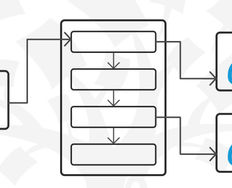
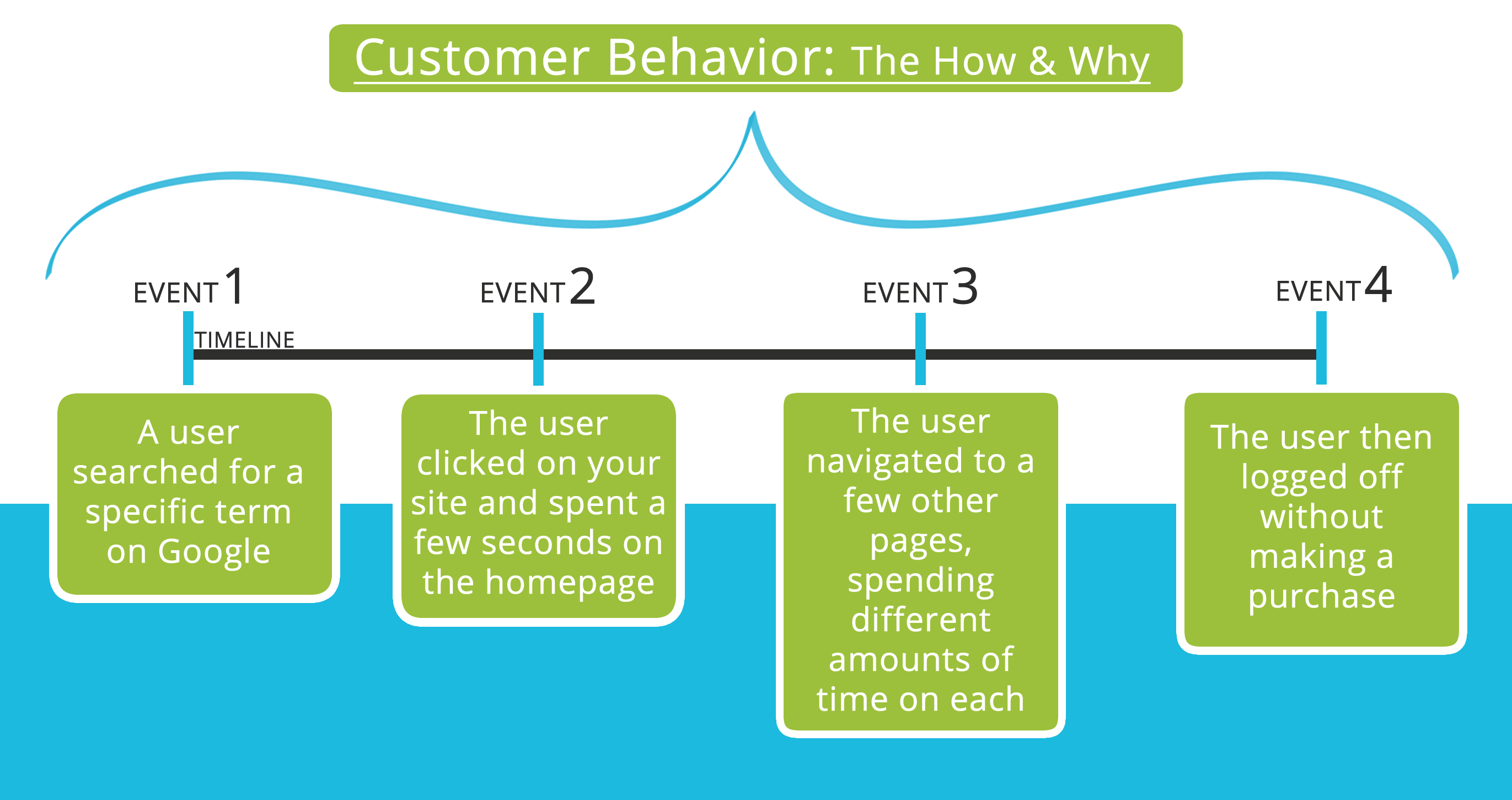
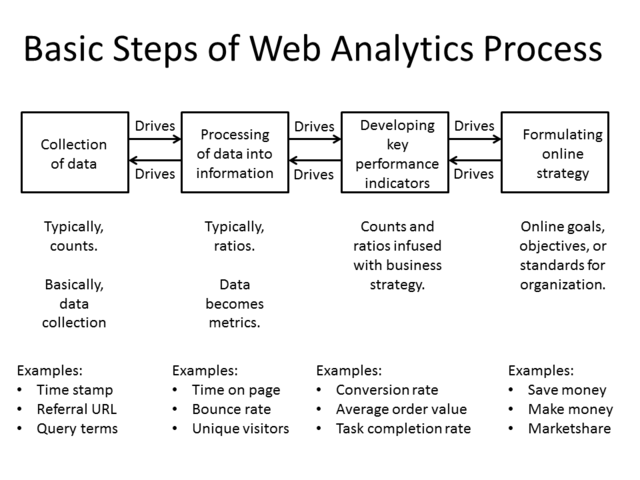
User flows are diagrams that depict the path a user can take to complete a task while interacting with a product. A user flow focuses on the user's needs and the most efficient way to meet them.
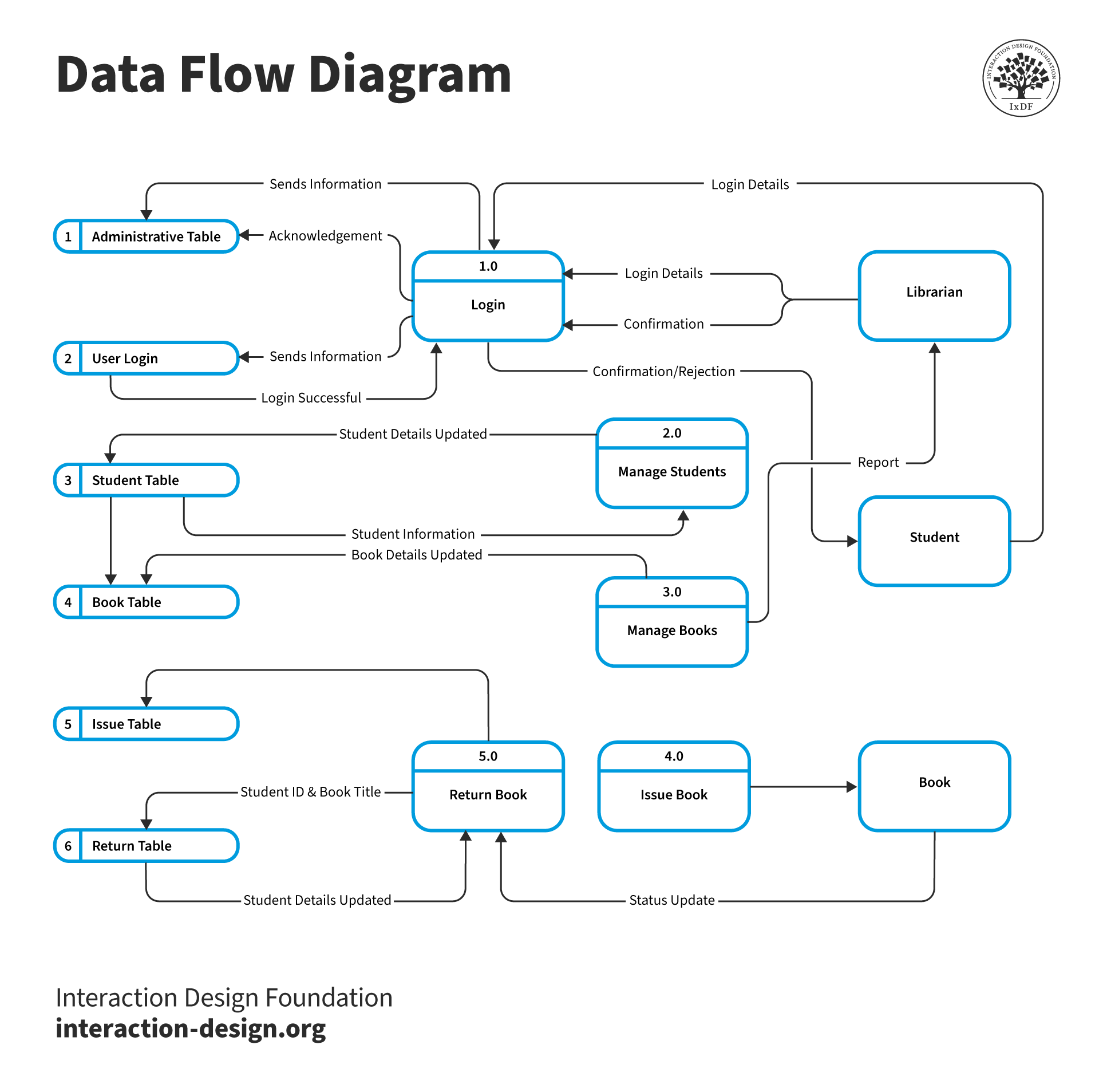
© Interaction Design Foundation, CC BY-SA 4.0
How Do You Design a User Flow?
Designing a user flow means guiding users through a website or app smoothly. It starts with understanding their journey. You aim to create a path that meets their needs.
1. Understand the User's Journey
Start by understanding the user and their path through your service. Create detailed personas to grasp their needs and motivations. Develop a customer journey map to cover every interaction with your organization. This understanding is crucial for designing a user flow that aligns with their experiences.
2. Match Your Goals with User Aspirations
Your product will have distinct aims, from sales to sign-ups. However, these might differ from user objectives. Focus on the personas and journey map to pinpoint user goals. Align your user flow with these goals to create a more effective user experience.
3. Pinpoint User Entry Points
Determine where your user flow begins. Analyze your customer journey maps to list all possible entry points like direct traffic, organic search, and social media. This knowledge will help you tailor the user flow to meet various user needs effectively.
Considerations for Point of Entry
With each point of entry, you may want to consider:
What is the user’s context when they enter the flow??
Do they seek active involvement with our site or product, or will they stumble upon us?
Will they be looking to solve a problem, and if so, what?
As Scott Belsky, the VP of Products and Community at Adobe, says,
“Rule of thumb for UX: More options, more problems.”
Remember to exercise caution as you simplify the diagram—too simple a flow may look elegant on paper but extremely cryptic and unusable for the user.
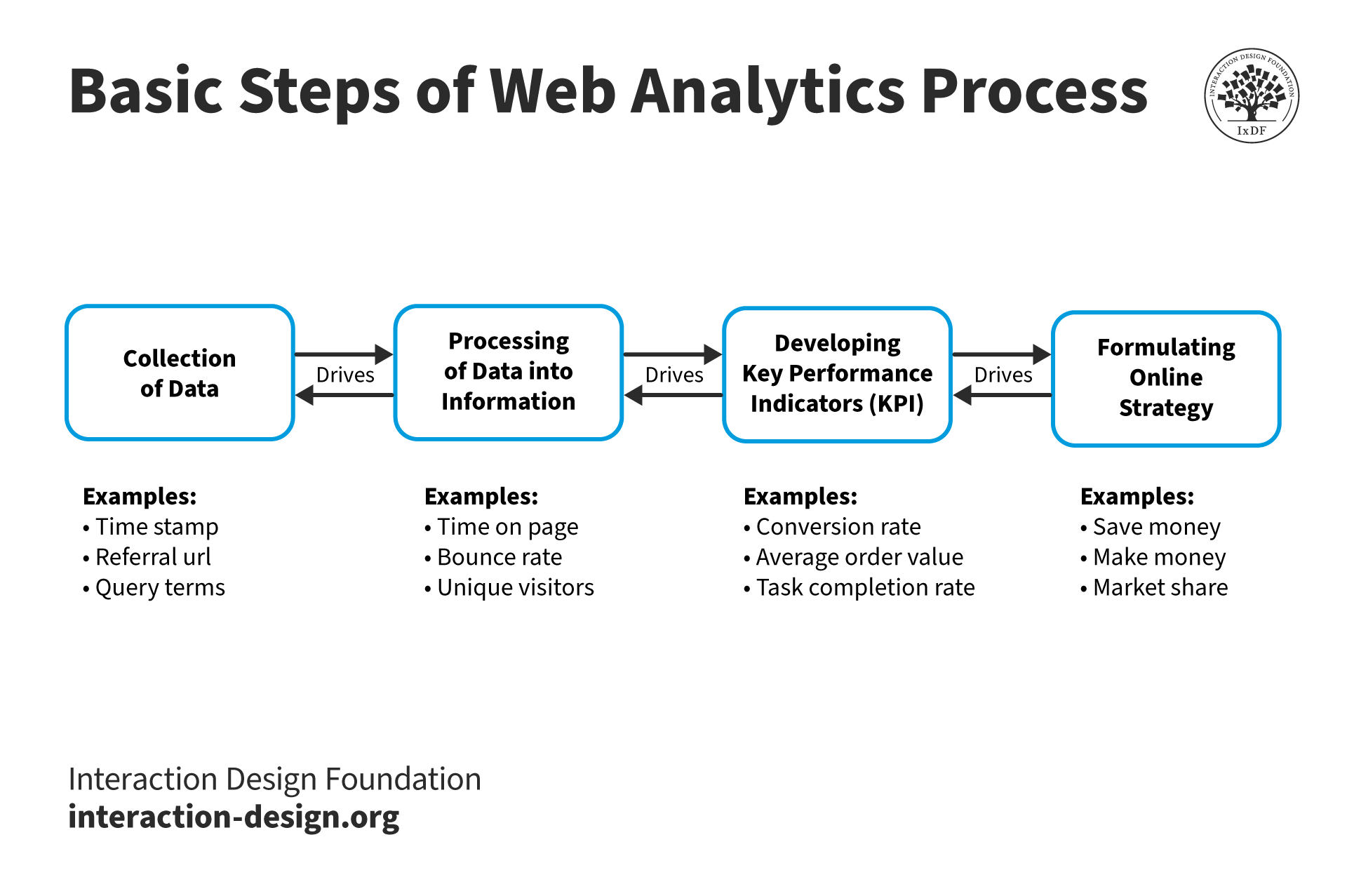
The simpler and clearer the process, the easier it is for a user to follow. Take the process above and consider how to simplify it for your organization.
© Interaction Design Foundation, CC BY-SA 3.0
4. Craft the Steps to Help Users Complete Their Tasks
Identify the content needed between the starting points and the final goal. Use personas and the journey map to outline steps that tackle user concerns and questions. This approach helps in optimizing the user journey through your site.
Considerations for Process Steps
User flow diagrams vary in size and complexity, depending on the user goals and the product. Here are a few general tips to help you design an optimal user flow:
How can you minimize steps in the process?
Can you complete the process first and then seek additional information? If so, how can you incentivize that?
Once these flows are mapped for each point of entry and process, you will discover large areas of overlap. Streamline and simplify your user flows.
5. Visualize the User Flow
Now, visualize the user flow. Utilize tools like whiteboards or specialized software. Use standard UML conventions like ovals for start and end points, rectangles for steps, diamonds for decisions, and parallelograms for user inputs. Combined with concise text, these symbols clarify each stage of the flow.
6. Refine the Flow with Feedback
Share your initial user flow diagram with team members for feedback. Incorporate insights from various departments to refine the flow. After finalization, the flow guides UX designers and developers to enhance the digital experience.
© Interaction Design Foundation, CC BY-SA 4.0
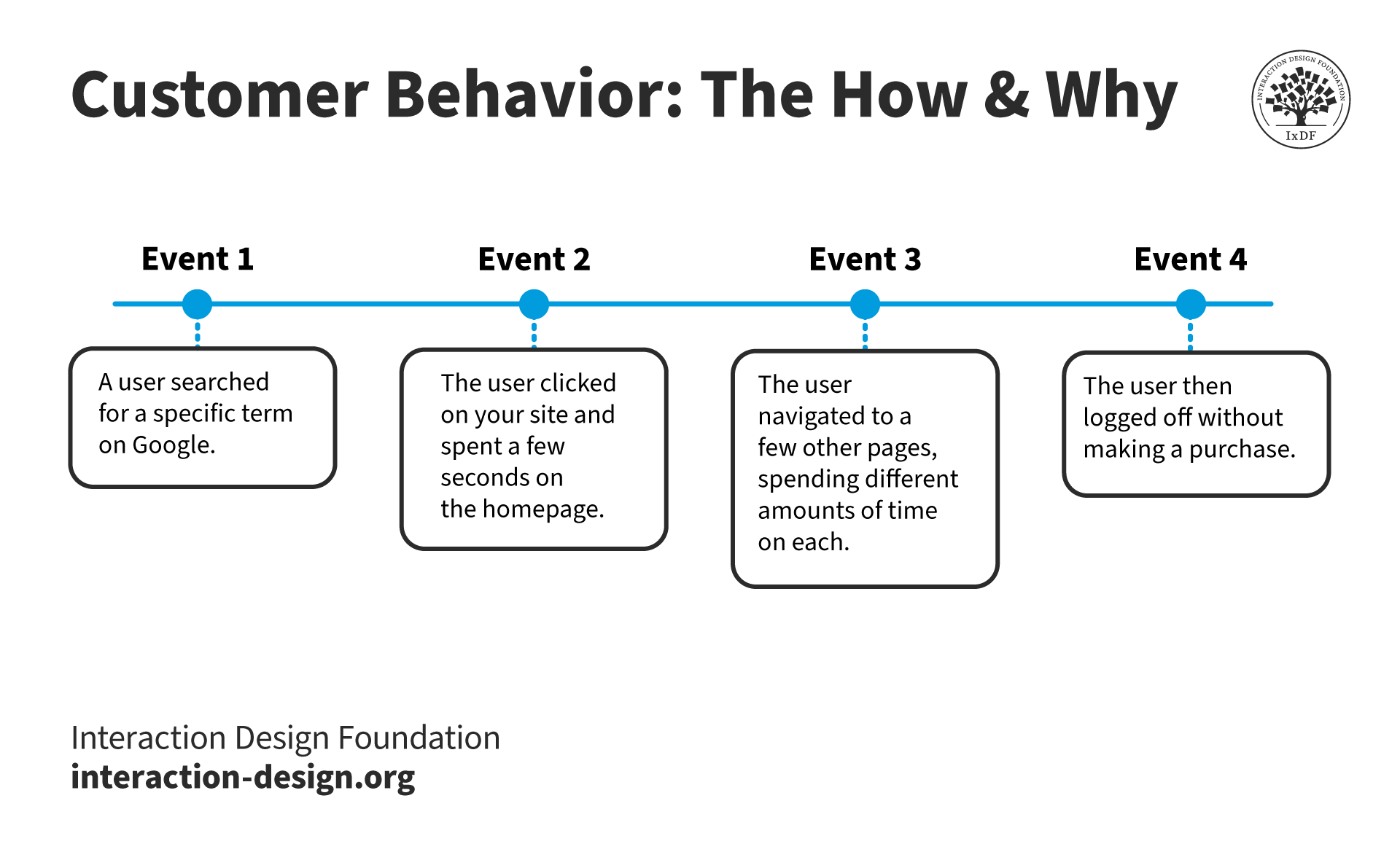
You should design the task completion funnels to flow from the point of entry to the funnel to complete the task.
This will normally involve:
Design of the entry point (Banner Ad, Search Text, Email, etc.)
Design of the landing page (How will you welcome the visitor and initiate the process they came for?)
Design of the process itself
User Flow Diagram Examples
Now, let’s talk about three sample UX flow diagrams that illustrate the complexity and clarity of user flow charts in action. Each example shows how user flow chart examples can guide the design process.
1. Health App User Flow
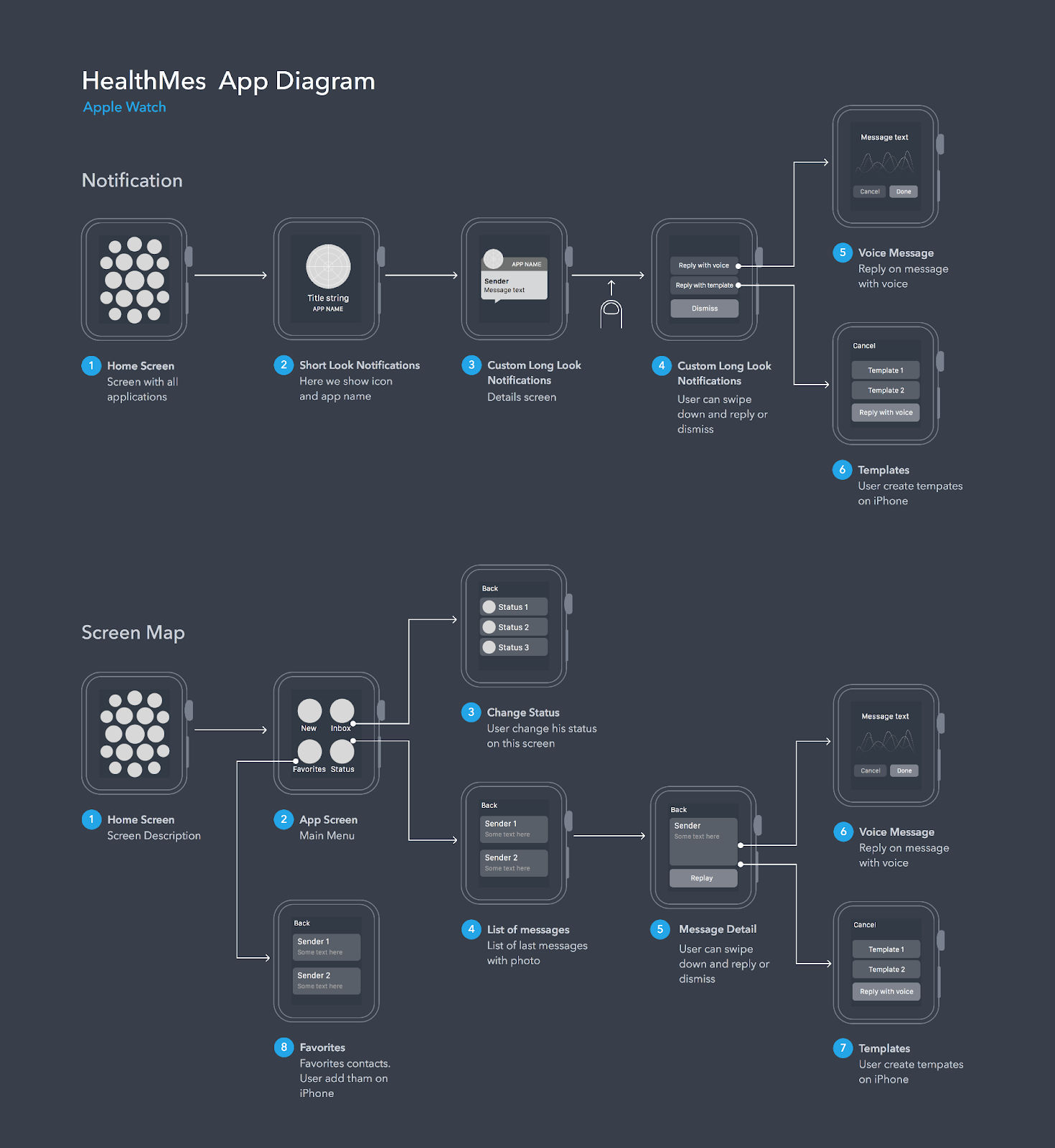
Marian Mota designed the "HealthMes App Diagram" for the Apple Watch. It highlights the path from a notification to various user actions.
© Marian Mota’s Dribbble, Fair Use
For instance, it starts with a simple notification on the home screen. This is our entry point—like the beginning of a chapter. The user glances at the short-look notifications and decides to engage. If they want more detail, they move to the custom long-look notifications. It can lead to further actions, such as sending a voice message or using a pre-set template.
The diagram doesn't stop at notifications. It shows users navigating the app's main menu to change their status, view messages, or check their favorites. Each decision point branches out. They offer options but keep the journey smooth.
Consider the "Change Status" screen. It’s a great example of offering a tailored experience without overwhelming the user. They land on a screen, choose a status, and move on—no fuss, no clutter.
2. E-commerce User Flow
© Salinthip Kaewkerd Behance, Fair Use
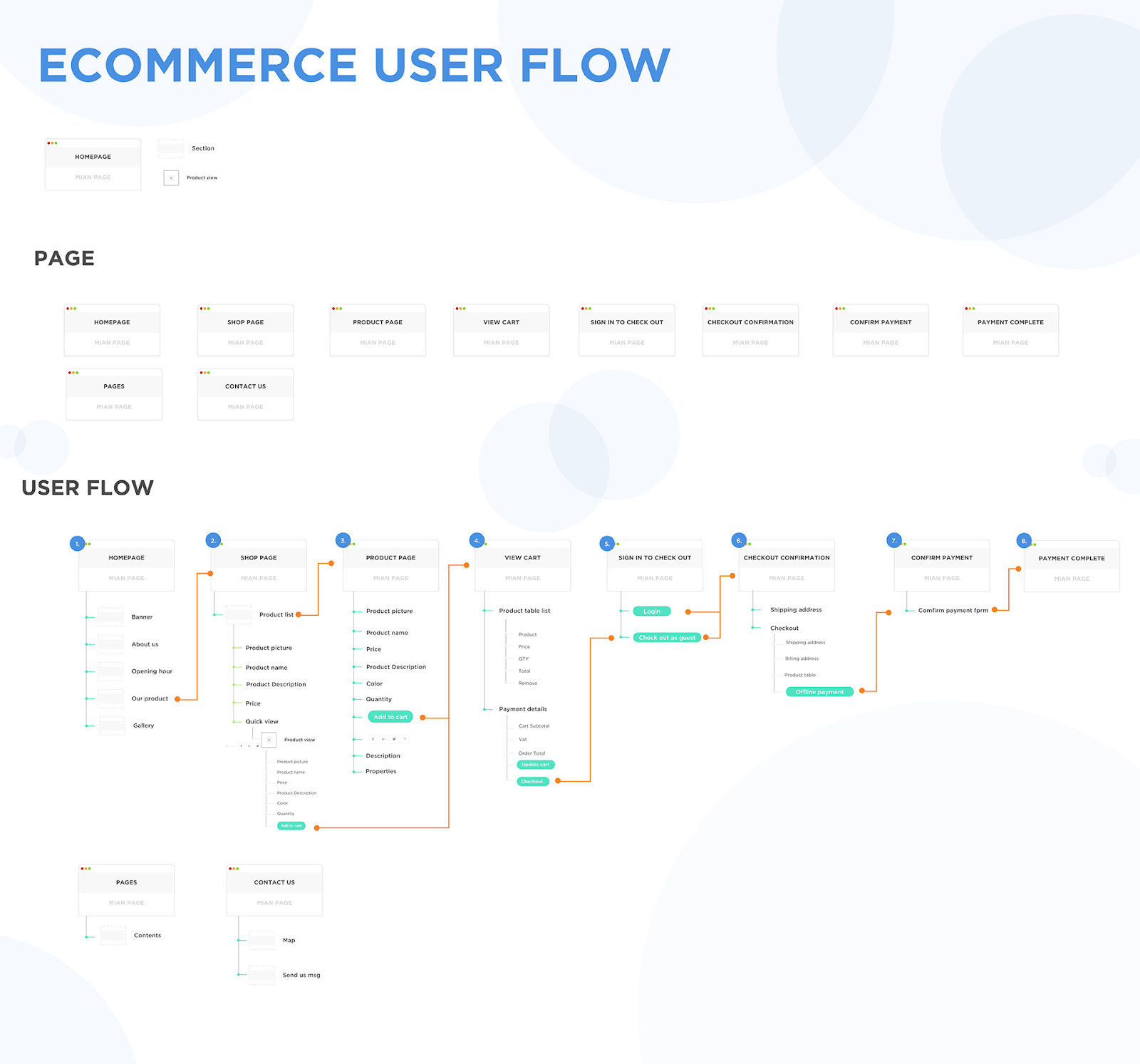
In e-commerce, you use user flow diagrams to visualize the shopping experience. Salinthip Kaewkerd’s diagram shows an e-commerce user flow with elegance and simplicity.
Starting at the homepage, a user can navigate various paths. They can explore products, learn about the company, or get in touch via the contact page.
For example, when users find a product they like, they proceed to the product page. It offers a wealth of information, such as price, description, and reviews. If satisfied, they add the item to their cart, a straightforward and intuitive step.
The journey continues through the cart page in a clear and user-friendly manner. The user can review their selected items, adjust quantities, and proceed to checkout. It's a crucial step where design can minimize cart abandonment.
3. Login Interface User Flow
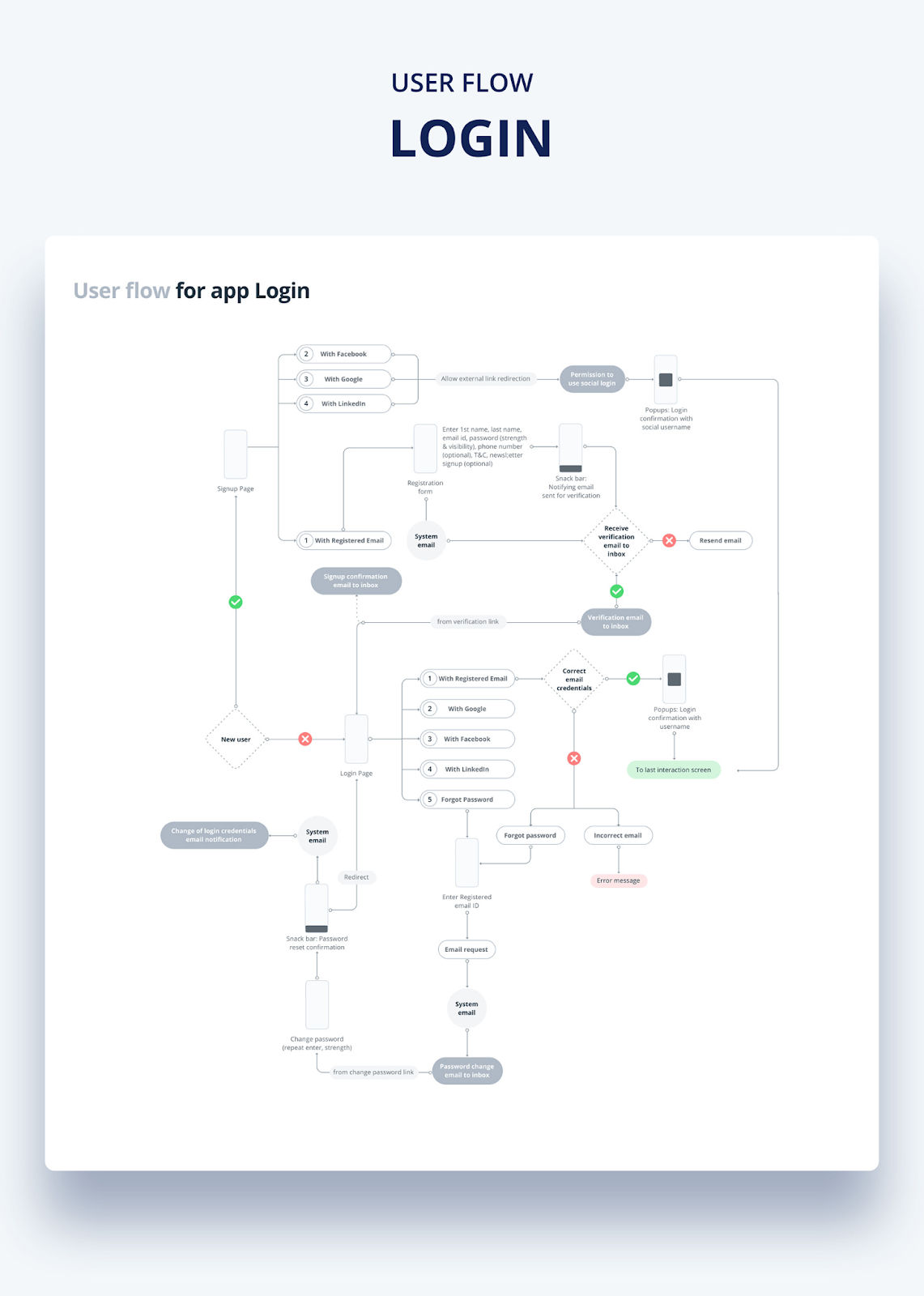
© Sonali Banerji's Behance, Fair Use
This flowchart highlights various user paths, from the initial signup page to successful registration.
The app offers users multiple pathways to create an account, starting at the signup page. Users can use social media platforms like Facebook, Google, and LinkedIn or register with an email. This flexibility caters to the user's preference to make the process inclusive and user-friendly.
The flowchart details each step in the user path. If the user opts for email registration, they must complete a form. The system then sends a verification email, a crucial functionality, to ensure the user owns the email address they provided.
For those selecting social logins, the flowchart outlines a smooth redirection for permission. Upon granting access, users receive a pop-up to confirm their login. It integrates social media credentials seamlessly into the user journey.
This diagram excels in depicting a user-centered signup flow. It anticipates user needs and provides clear options and support. Take, for example, the ability to resend a verification email if needed. It captures what a good user journey should be: easy to follow and direct. It centers on essential features that make the experience smooth.
How to Upgrade Your User Flow Diagrams?
A good user flow diagram helps every stakeholder understand the user's journey better.
Here are seven pointers to elevate your user flow diagrams:
Start with user goals: Identify what users aim to achieve and let that drive the wireflow’s structure.
Incorporate feedback: Use insights from user testing on prototypes and wireframes to refine the work.
Simplify pathways: Streamline the user paths to reduce complexity and improve navigation.
Visual design clarity: Use consistent symbols and colors across different types of user flow for clarity.
Detail entry and exit points: Mark where users enter and leave the flow to identify potential drop-off points.
Align with business objectives: Ensure the sample UX flow supports the business's overarching goals for alignment.
Iterate and evolve: Update your diagrams to reflect design or user needs changes.
In this video, Laura Klein, author of Build Better Products, talks about how great agile teams commit to iterating. She talks about what teams can do well to create better products.
The Difference between Journey Map and User Flow
You can use journey maps and user flows to understand and plan the user's experience. Despite some similarities, they serve different purposes.
A journey map captures the user's full experience with a product or service. It's a broad view, including emotions, pain points, and moments of delight. On the other hand, a user flow focuses on the sequence of steps a user takes to complete a specific task. It's more about functionality and less about feelings.
IxDF’s Journey Mapping Course dives deeper into the different types of maps UX designers create.
Here's a simple table to break down the differences:
Aspect | Journey Map | User Flow |
Focus | Emotions, motivations, experience | Steps, sequences, interactions |
Purpose | To empathize with the user | To design efficient task completion |
Structure | Complex and intricate | Linear and structured |
Used by | Strategists, marketers, UX designers | UX/UI designers, developers |
Represents | Multiple user interactions | Single user interaction |
When deciding between a user journey map and a user flow, ask yourself these questions:
Purpose: Do you aim to understand what the user’s current experience is like? Then build a journey map. Are you already designing the ideal experience? If yes, create user flows.
Channel Complexity: Does the user interact across various channels or only through a single product like a website? Use journey maps for the former and user flows for the latter.
Emotional Insight: Do you need to understand the user's feelings and thoughts during complex decisions? Journey maps will capture this depth while user flows stick to action sequences.
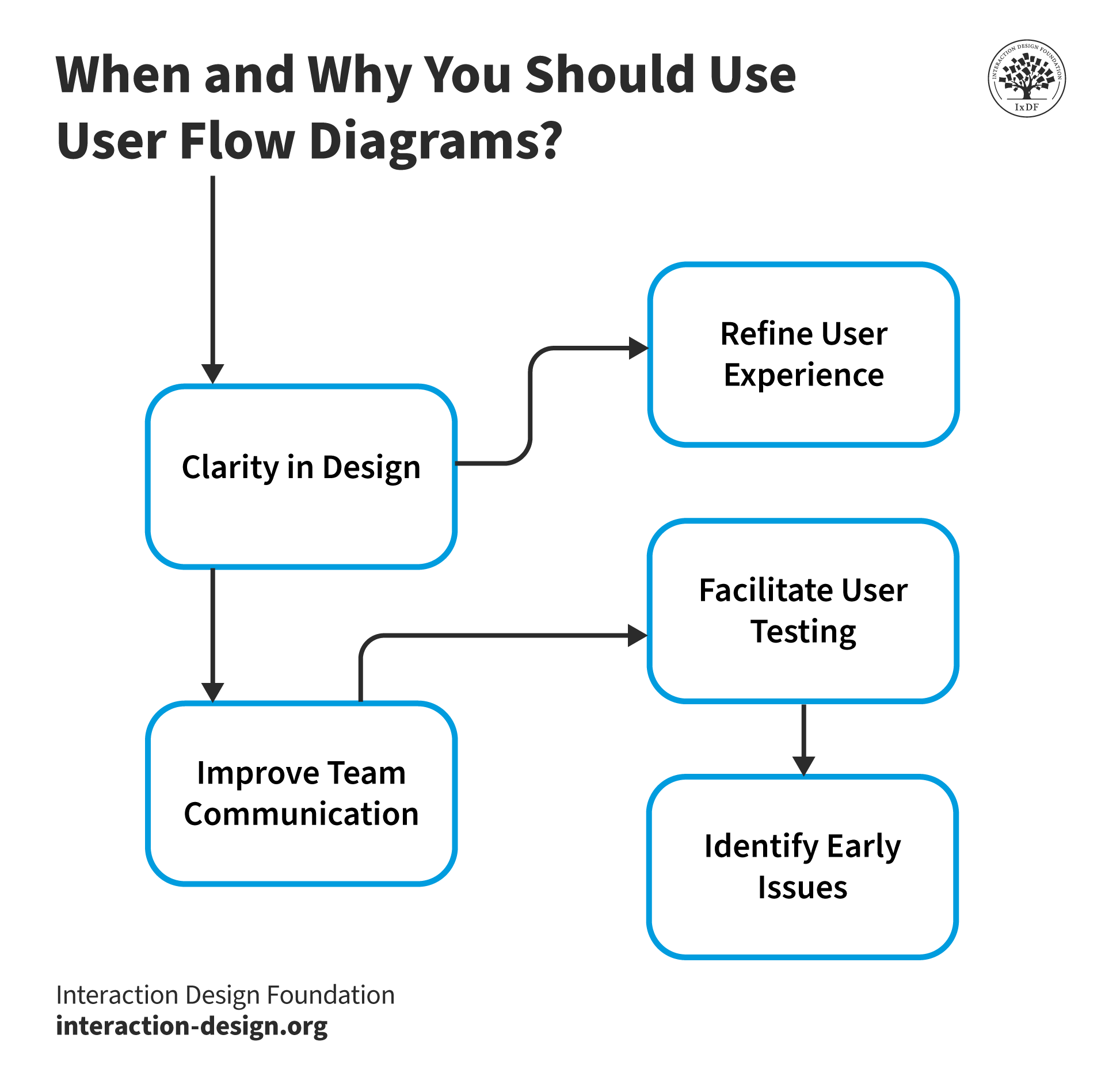
When and Why You Should Use User Flow Diagrams?
© Interaction Design Foundation, CC BY-SA 4.0
Here are practical reasons to use user flow diagrams:
Clarity in design: They help clarify the sequence of screens or pages a user will navigate through.
Identify issues early: You can spot potential roadblocks in the user's journey before they become real problems.
Improve team communication: They provide a visual that all team members can easily understand, regardless of technical background.
Facilitate user testing: You can use them to create test user scenarios.
Refine user experience: They allow for the review and optimization of the user's interaction with the product.
Incorporating user flow diagrams at the right time can help you create intuitive and enjoyable user experiences.