Before you start planning for your UX research; you’ll need to start by creating some ideas for your plan. There’s nothing wrong with doing this process by hand. We’ve done many an initial brainstorming session for projects with nothing but a whiteboard or a flipchart. However, there’s also, perhaps, a better way to do this.

Computing tools can’t make the process of idea generation any easier – you’re still going to have to put in the hard mental work. They do make the process of recording what you generate from this work much easier.
You can also then go on to create flow charts that help people visualize your intended processes or the processes of your product. Then, finally, you might want to develop a sitemap to ensure that your information architecture approach remains consistent. So, we’ve taken a look at 5 tools that we think might be useful in this.
Some of these products are free, some have free trials, and others are paid for. We do not explicitly endorse any of these tools for your project – you’ll need to work out what best suits your needs and your project’s needs.
Xmind
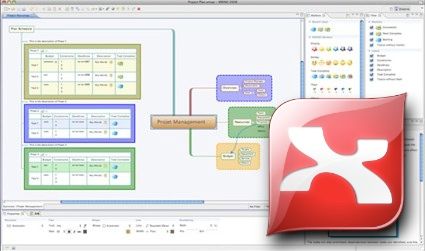
Mind mapping has never been so easy; Xmind is completely open source for its most basic version which offers loads of diagramming tools etc. You can also share over a LAN, the web and Evernote. The upgraded versions offer more features and are currently priced at a reasonable $79 for the Plus offering (with export functionality to office software) and Pro which even offers Gantt charts at a very reasonable $99 compared to MS Project’s license cost.
LibreOffice
LibreOffice is the open-source office suite that rivals Microsoft’s offering for flexibility and power. It is 100% free. There are several tools in the suite that may come in handy on your project, but Draw is excellent for sketching ideas and in particular, for flowcharts.
The only thing that holds us back from using LibreOffice more often is the lack of perfect Microsoft compatibility; that shouldn’t put you off with Draw though. Of course, you can also use Google Docs to create flow charts.
Gliffy
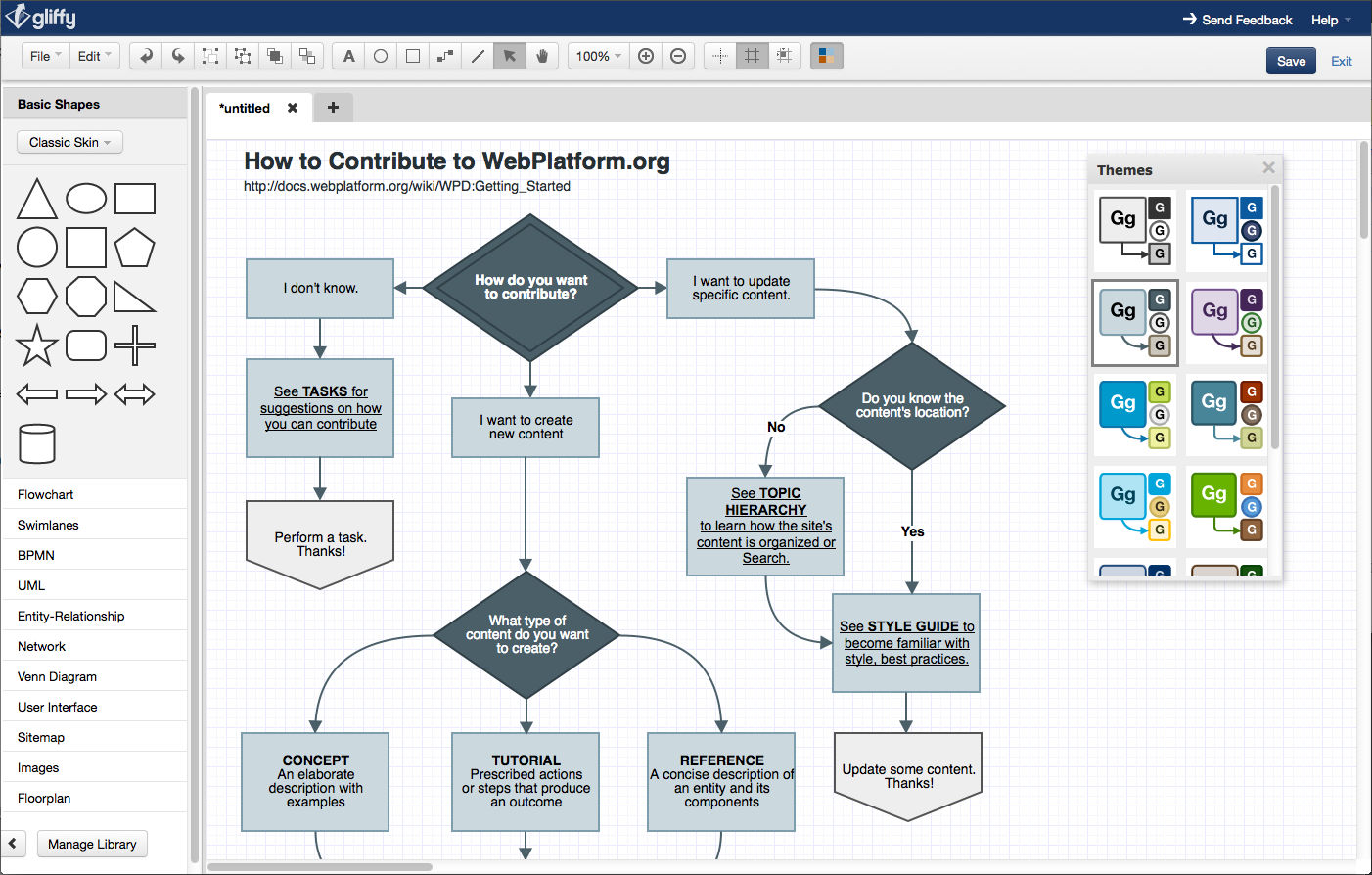
Gliffy is a completely online diagramming tool, and the most basic functionality is free; you can also get a plugin to transfer diagrams to your Wiki. Gliffy was developed by Atlassian.
ConceptDraw
ConceptDraw is a premium product with pricing for the MindMapping tool starting at $199 and another $199 for their Project tool, and another $219 for their project software. They offer a dual licensing scheme with both Windows and Apple installations included in the single fee. If you think you need all their functions – you can buy the whole suite for $499.
OmniGraffle
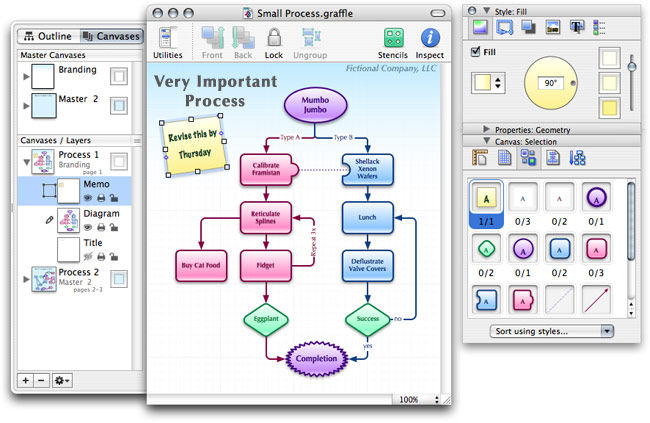
Flow charts, mind maps, and more can be created in OmniGraffle but only if you’re a Mac user – PC folks need not apply. There is a free trial but after 14 days you’ll need to unlock it by paying $99 for the basic version or $199 for the Pro version. There’s also no trial version of the $49.99 iPad version.
Image Sources:
Wikipedia (link to image)
Gliffy (link to image)
Tuaw (link to image)
Archiproducts (link to image)
Andrzej Tokarski (link to image)